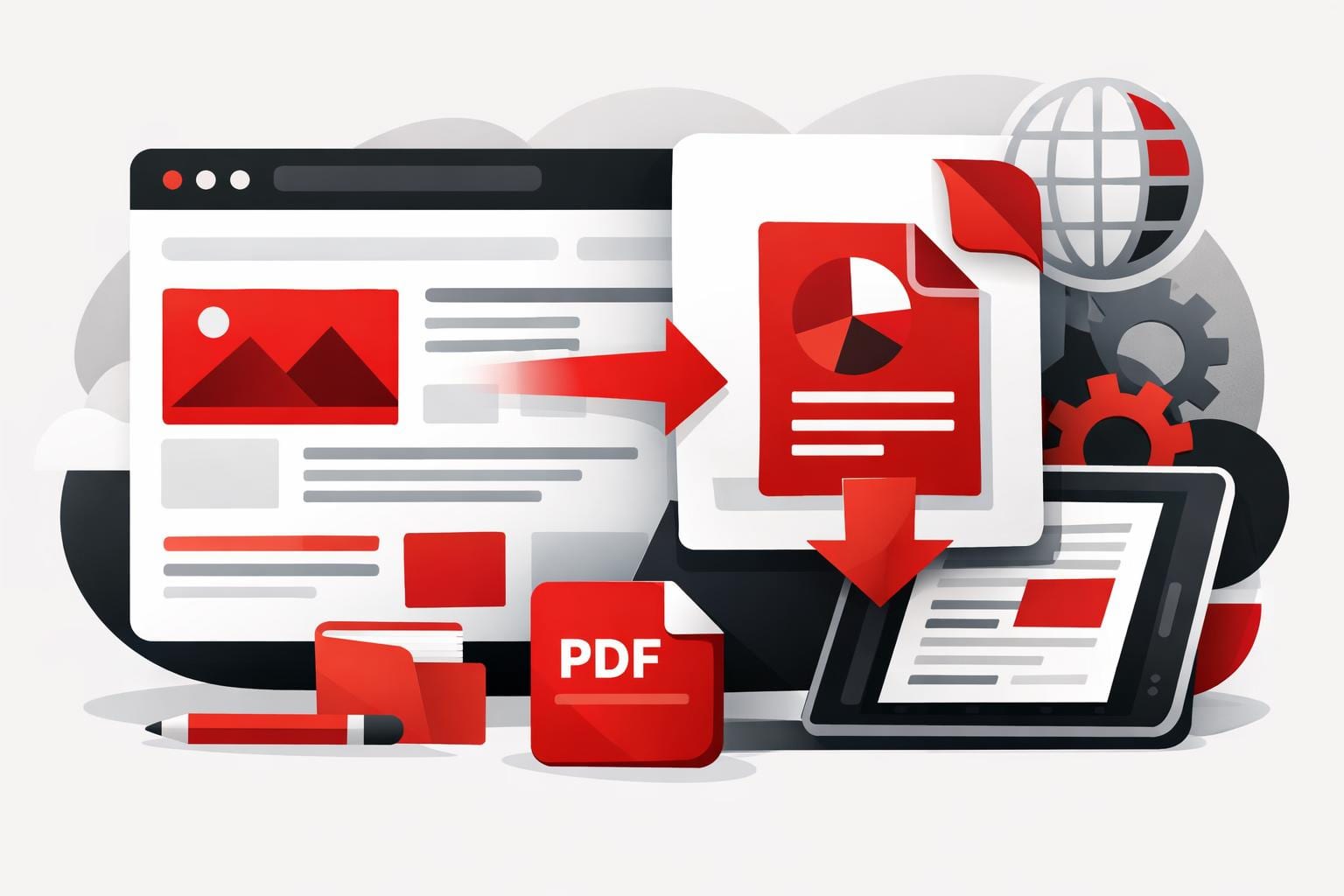
In today’s digital environment, documents are constantly being shared across devices, operating systems, and platforms. From business contracts to academic reports, the Portable Document Format (PDF) has become the most reliable and universally accepted format for digital documentation.
PDF files maintain the exact formatting of a document regardless of where it is opened. This consistency makes PDFs the preferred format for businesses, students, government agencies, and professionals worldwide.
Platforms such as https://icreatepdf.com/ provide modern solutions that help users create, manage, and optimize PDF documents easily and securely.
What is a PDF File?
PDF stands for Portable Document Format, a file format developed to present documents consistently across all devices and software environments.
Unlike editable formats such as Word or Excel files, PDFs are designed to preserve the structure and layout of documents, including:
-
Fonts
-
Images
-
Layout formatting
-
Tables and graphics
Because of this reliability, PDF files are widely used for official documentation, professional communication, and digital archiving.
Today, users can easily create and manage PDFs using online tools available at https://tools.icreatepdf.com/ without installing additional software.
Why PDFs Are Widely Used
PDFs have become the standard format for document sharing due to several important advantages.
1. Universal Compatibility
PDF files can be opened on almost any device, including:
-
Windows computers
-
Mac devices
-
Android smartphones
-
iPhones and tablets
This universal compatibility ensures that documents look the same regardless of where they are opened.
2. Secure Document Sharing
Security is a major concern when sharing sensitive documents. PDFs allow users to protect files with:
-
Password encryption
-
Restricted editing permissions
-
Digital signatures
These features make PDFs ideal for contracts, invoices, financial records, and legal documents.
3. Professional Presentation
PDF files maintain a professional appearance by preserving formatting and layout.
This is especially important for:
-
resumes
-
business proposals
-
academic submissions
-
reports and presentations
Professionals frequently rely on tools from https://icreatepdf.com/ to create well-structured PDF documents for business and academic purposes.
Common Uses of PDF Files
PDF documents are used in many industries and everyday situations.
Business Documentation
Businesses commonly use PDFs for:
-
invoices
-
contracts
-
reports
-
presentations
-
employee documentation
Because PDFs prevent formatting errors, they are the safest format for professional communication.
Education and Research
Students and educators rely heavily on PDFs for:
-
assignments
-
lecture notes
-
research papers
-
eBooks
Many academic institutions require documents to be submitted in PDF format to ensure consistent formatting.
Digital Forms and Applications
Government and corporate organizations often provide application forms in PDF format because they can be easily printed or filled digitally.
Users can edit, convert, or optimize these documents using tools available at https://tools.icreatepdf.com/.
Essential PDF Tools Everyone Should Use
Managing PDF documents efficiently often requires specialized tools.
Here are some of the most commonly used PDF features.
Merge PDF Files
Users often need to combine multiple documents into a single file. This is useful for combining reports, invoices, or presentation slides.
Online merging tools make this process quick and simple.
Split PDF Documents
Large documents can be difficult to manage. Splitting a PDF allows users to extract specific pages or sections from a document.
Compress PDF Files
Large PDFs can be difficult to send via email or upload to websites. Compression tools reduce file size while maintaining document quality.
Convert Files to PDF
Users frequently convert documents such as Word files, images, and spreadsheets into PDF format for easier sharing and storage.
These features are available through modern browser-based platforms like https://tools.icreatepdf.com/.
Advantages of Online PDF Tools
Online PDF tools are becoming increasingly popular due to their convenience and accessibility.
No Software Installation
Users can access powerful PDF tools directly from their browser without downloading or installing software.
Cross-Platform Accessibility
Online tools work across different operating systems and devices, making them ideal for remote work and collaboration.
Fast and Efficient Processing
Modern web technologies allow users to process documents quickly while maintaining document quality.
Platforms like https://icreatepdf.com/ are designed to simplify document management for individuals and businesses alike.
Best Practices for Working with PDF Files
To improve productivity when handling PDF documents, consider the following best practices:
Use clear file names
Examples:
-
Contract_ClientName_2026.pdf
-
Invoice_CompanyName_January.pdf
Compress large files before sharing
This improves upload speed and prevents file size restrictions.
Organize documents properly
Keep PDF files stored in clearly labeled folders for easy access.
Conclusion
PDF files have become a fundamental part of modern digital communication. Their reliability, security, and consistent formatting make them the preferred format for professionals, students, and businesses worldwide.
Whether you need to create, convert, merge, or compress documents, modern PDF tools can significantly simplify document management.
Platforms like https://icreatepdf.com/ and https://tools.icreatepdf.com/ provide efficient solutions for handling PDF files quickly and securely.
As digital documentation continues to grow, mastering the use of PDF tools will remain an essential skill for productivity and professional communication.
pdf, pdf gear, edit pdf, free pdf, pdf file, pdf edit, sign pdf, pdf book, pdf files, merge pdf, png to pdf, word a pdf, adobe pdf, jpg to pdf, pdf editor, pdf reader, what is pdf, pdf format, word to pdf, jpeg to pdf, epub to pdf, pdf to docx, pdf to word, what is a pdf, pdf meaning, combine pdf, selling pdf, ebook to pdf, pdf to excel, image to pdf, photo to pdf, compres pdf, comprss pdf, edit pdf free, sign pdf free, how to use pdf, edit pdf file, pdf document, compress pdf, pdf function, merge pdf free, pdf editor mac